eSIM, SIM or pocket Wi-Fi: staying connected in Japan
For an individual connection, consider an eSIM or SIM card; for sharing with companions, pocket Wi-Fi is another option. First check whether your phone is compatible, then choose your data allowance and whether you need calls. Save the setup instructions before departure so you can refer to them if you cannot connect at the airport.
Comparing your options
| Option | Best suited to | Check before buying |
|---|---|---|
| eSIM | Individual connections on compatible smartphones | Supported models, SIM lock, setup and activation date |
| Physical SIM | Individual connections, including phones without eSIM support | SIM size, supported network, installation and storage of your original SIM |
| Pocket Wi-Fi | Companions or multiple devices staying in the same place | Collection, return, charging and how to connect when apart |
Whichever you choose, check whether calls are included or the plan is data-only, whether tethering is allowed, when the usage period starts and what happens after you reach the limit. A data-only product cannot make ordinary phone calls to hotels or restaurants. If you will split up, separate connections are more practical than sharing one Wi-Fi unit.
Check when your eSIM starts
An eSIM adds a connection without replacing a physical card. The usage period may start at purchase, installation or the first connection, depending on the product. Activating some products before reaching Japan uses up days, so follow the stated setup sequence. If you keep your original line, select the Japan line for mobile data and prevent unintended line switching or data roaming on your main line.
Keeping your original SIM and returning the Wi-Fi unit
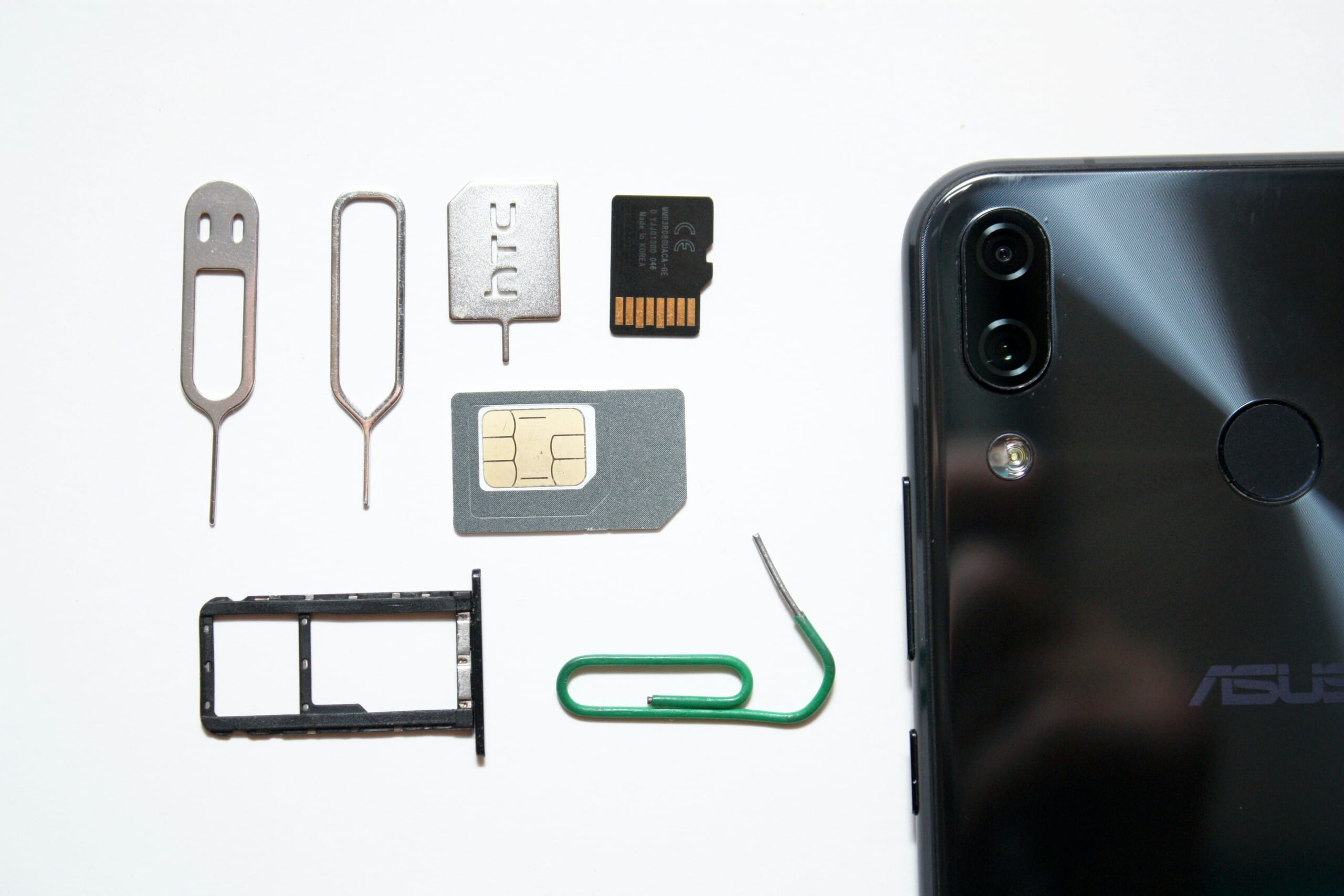
Put your original SIM in a case when removing it. For rented Wi-Fi, check collection arrangements if your flight is late and whether the return point matches your departure airport. You lose the connection when separated from the person carrying the unit, so save meeting places and offline maps on each person’s phone.
If you cannot connect on arrival
- Turn off flight mode, enable the Japan line and select it for mobile data.
- Follow the provider’s instructions on data roaming and activation status.
- Configure the APN only if instructed. Some devices and products set it automatically; not everyone needs to change it.
- If the problem persists, contact the provider with your order number, phone model and error message.
Take screenshots of setup steps and booking numbers before leaving. Save your accommodation address, maps and tickets so they remain available without a signal.
On an iPhone, do not delete the travel eSIM as your first troubleshooting step. Apple’s support guidance says to erase an eSIM only when your carrier instructs you to do so for troubleshooting; after deletion you need a new eSIM from the carrier. Keep your order details available and contact the provider over Wi-Fi before removing the plan.
Keep your charger and power bank in your hand luggage. If your group will separate, agree on a way to contact each other and a meeting place.
For getting around after arrival, also read the basics of transport IC cards.
Official sources
Information last checked: September 21, 2026
Last edited: September 29, 2026
Photo credits
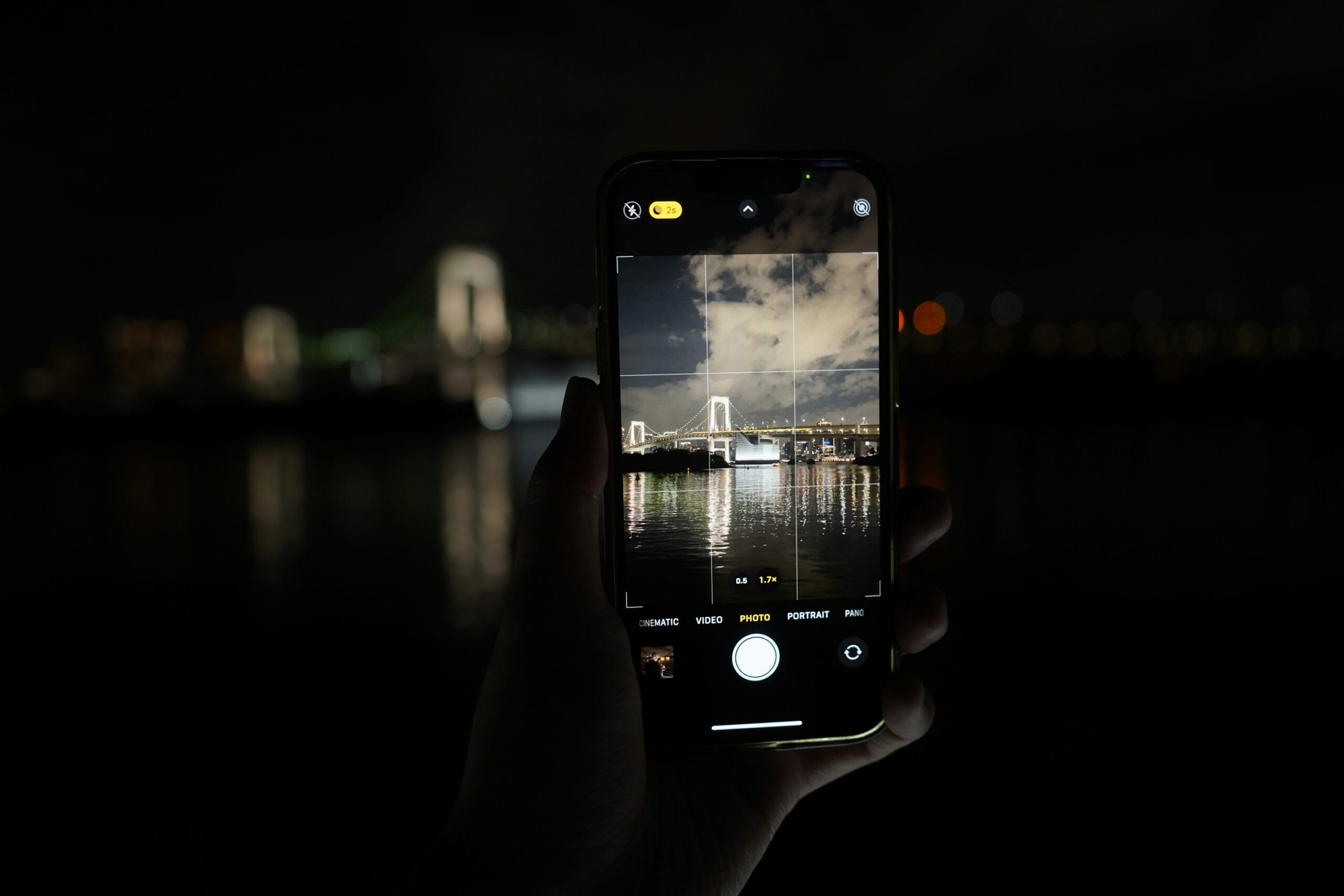
Hands photographing Tokyo at night with a smartphone — Yosuke Ota · Photo source · Unsplash License (Display may use cropping or brightness adjustments.)